Personal project
Lab Scout
MIT's lab assistant robots cost $10K. Why can't a high school student have one of their own? Over the past year, I built one for $600. By August it mapped my workshop on its own while running object detection.
My inspiration
I wanted the lab assistant I had seen in MIT's lab without the ten-thousand-dollar price tag. I also wanted to learn new sensors and get better at electronics while ending up with something that worked. So I spent the summer creating a CAD model of the most complex robot I have built.
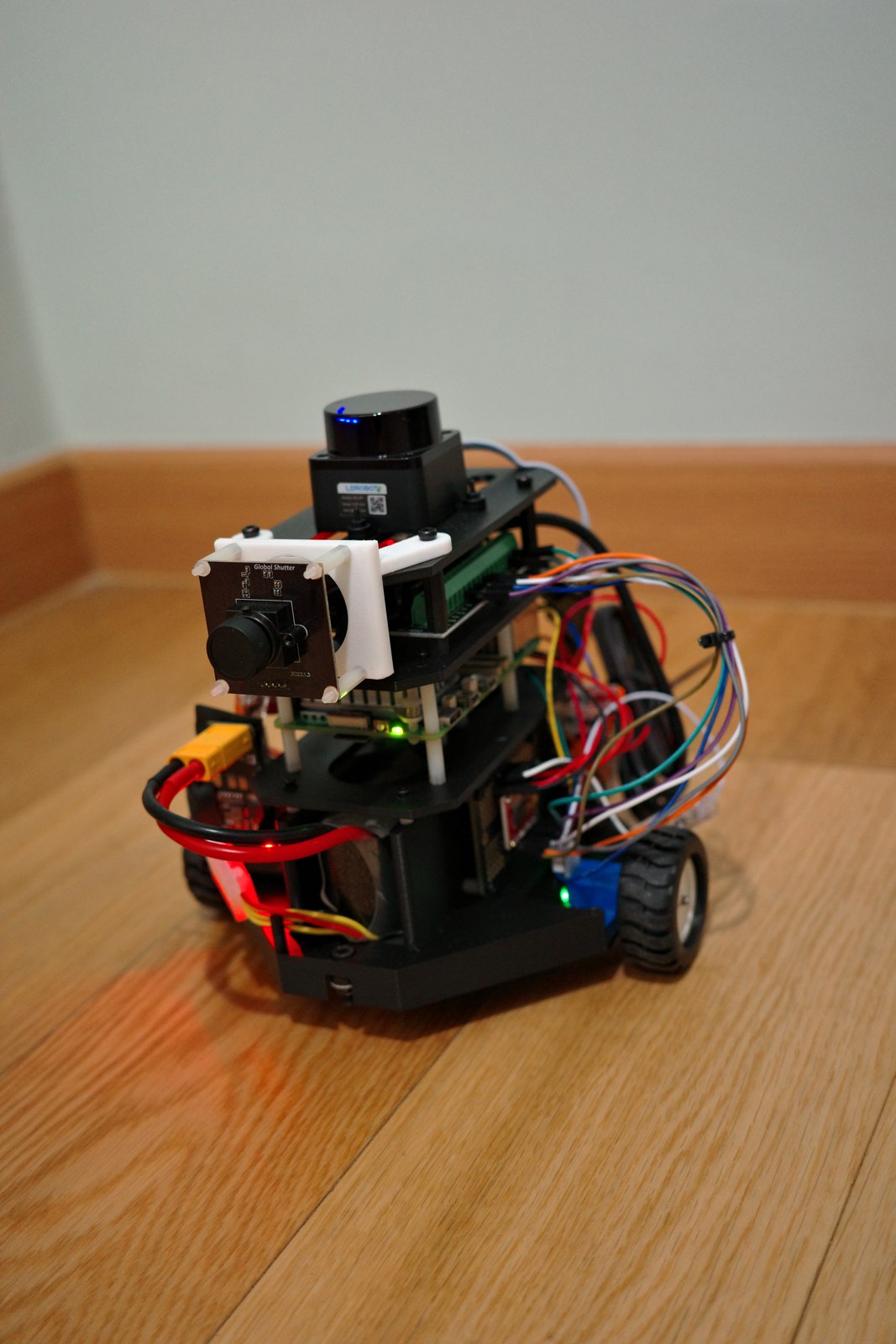
A tower of sensors
I placed a LDROBOT LiDAR on top, with a global-shutter camera just below it. Under those house the ESP32 and the Raspberry Pi for easy access. I mounted the IMU to reduce existing angle defects at the top with and put a LiPo battery under it to provide power through the Matek PDB. Everything is held together with 3d printed parts and a chassis designed on Fusion 360 with two N20 motors and encoders attached to it.
The ESP32 drives the N20s through a Toshiba motor driver board. The Raspberry Pi runs the USB camera and the USB LiDAR. Splitting the work this way keeps motor timing steady while the Pi works through camera frames.
Learning spatial awareness
The camera runs YOLO object detection to pick out tools, people, and other items around the lab.
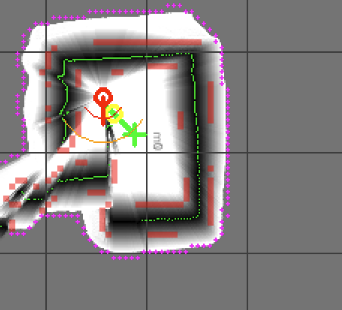
For the map I used LiDAR SLAM, short for simultaneous localization and mapping: the robot builds a map of the room while working out where it is inside that map. The LiDAR spins and measures the distance to everything around it, and each new scan gets lined up against the map so far. When the walls line up, the robot knows how far it has moved.
To increase accuracy and spatial awareness, I added odometry via encoders on the N20s and the Adafruit IMU Heading. The two allow for efficient curvature path finding as well as the LiDAR to track farther locations.
Now for the bigger challenge
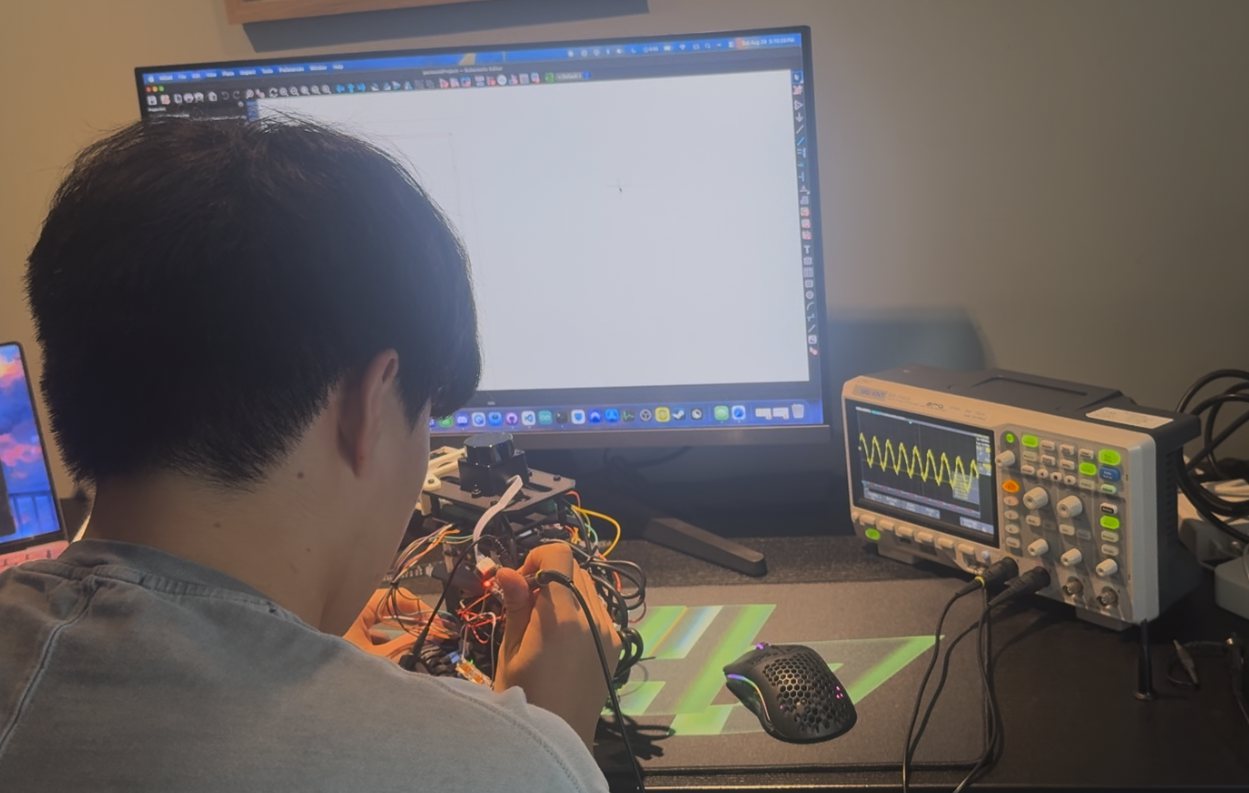
Building the robot was the "easier" part. Getting the sensors, the two processors, and YOLO to talk to each other took most of my summer, all of it in VS Code.
Putting it all together
Mapping while driving
The left side of the video shows the rover in a maze. On the right is a screenshare of how the software sees it, with walls filling into the occupancy grid and the path re-drawn as the pose arrow moves.